When deciding on a display for your church, understanding pixel pitch is crucial. According to a 2022 industry report from Display Specifications, the optimal pixel pitch affects clarity and viewing distance significantly. Selecting the right pixel pitch ensures everyone in your congregation can see clearly, enhancing engagement during services.
Experts like Jason Cole, a leading audiovisual consultant, emphasize the importance of this choice. He notes, “The right pixel pitch can transform the worship experience, making it more immersive.” This highlights how pixel pitch impacts image quality, especially in spaces with varying seating arrangements.
Many churches face challenges with visibility and overall display performance. It’s essential to ask, "How to choose the right pixel pitch for my church?" Taking the time to understand the needs of your space, alongside guidance from professionals, will lead to a more effective display solution. The journey to the perfect display begins with informed decisions.
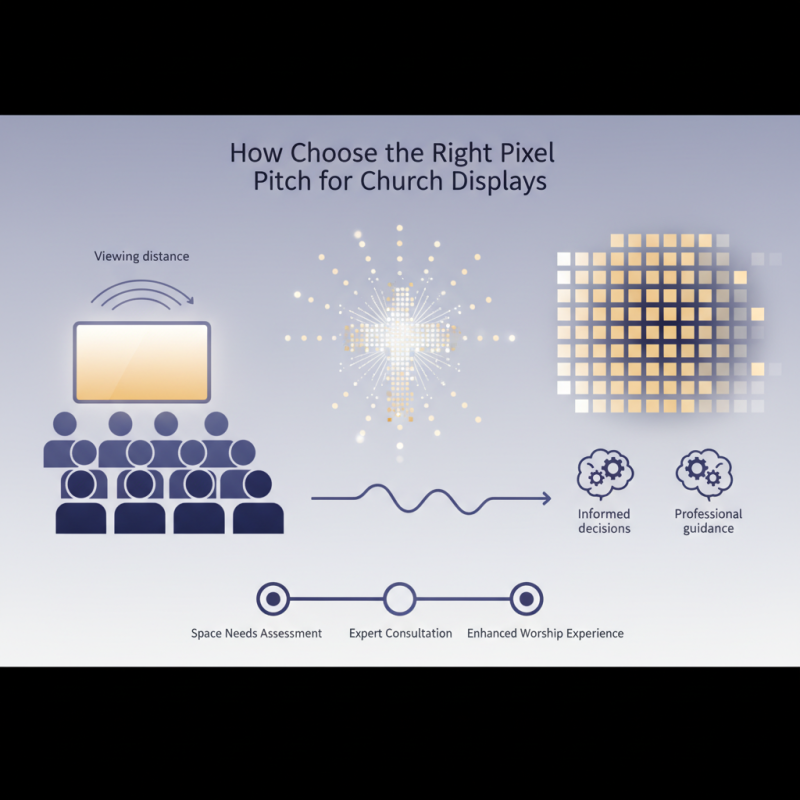
Understanding pixel pitch is crucial for optimizing church display systems. Pixel pitch refers to the distance between the center of each pixel. This measurement directly impacts the clarity of the image. For church displays, choosing the right pixel pitch can significantly enhance the visibility of sermons and multimedia presentations.
A report by the Consumer Technology Association indicates that a pixel pitch of 2.5 mm is ideal for indoor settings, ensuring crisp imagery from a reasonable distance. Alternatively, for larger venues, a pixel pitch of 5 mm or more may be more suitable, striking a balance between detail and cost. However, a common mistake is underestimating how far the audience will sit from the display. If viewers are seated too far away, a finer pixel pitch may be unnecessary and could waste resources.
Tips for selecting the right pixel pitch include assessing the typical seating distance in your church. Measure how far people sit from the screen, and refer to recommended guidelines for pixel pitch relative to that distance. Additionally, consider the type of content you plan to display. Text-heavy presentations require a tighter pixel pitch for legibility, while videos might not demand the same level of detail. Always weigh these factors against your budget.
When selecting the pixel pitch for a church display, understanding your audience is crucial. The pixel pitch, which refers to the distance between pixels, directly impacts the clarity of the image. If your congregation sits close to the screen, a smaller pixel pitch is essential. It ensures crisp visuals and fine detail. For larger spaces, a slightly larger pixel pitch may suffice, but careful consideration is still needed.
Consider the type of content you will display. If you plan to show intricate videos or text, opt for tighter pixel pitch. It enhances readability and engagement. In contrast, for broad images or general announcements, a less dense pitch can be effective. Evaluate the size of your space. A bigger venue may take advantage of wider pixel pitches without sacrificing quality. However, this requires close observation of viewing angles, as those seated at the edges might miss important details.
Another important factor is the ambient lighting in your church. In brighter environments, a display with a smaller pitch often performs better. It helps maintain visibility even in sunlight or overhead lights. Finally, think about future needs. Will your audience grow? As technology advances, you may want more flexibility in your display's capabilities. Prioritize choosing a pixel pitch that not only meets current demands but also anticipates future enhancements.
| Factor | Description | Recommended Pixel Pitch |
|---|---|---|
| View Distance | The distance from which the audience will primarily view the display. | 1.5 - 2.5mm |
| Audience Size | The number of viewers that will typically be present during services. | 2.5 - 4mm |
| Content Type | The nature of visual content being displayed, such as text, images, or videos. | 2 - 3mm for videos, 1.5 - 2mm for detailed images/text |
| Location | Indoor vs. outdoor settings can dictate pixel pitch choices due to lighting conditions. | Indoor: 1.5 - 2.5mm; Outdoor: 4 - 10mm |
| Budget | Overall budget can affect the choice of pixel pitch, as finer pitches tend to be more expensive. | Consider pixel pitches of 3mm or higher to reduce costs. |
Choosing the right pixel pitch for your church display involves careful consideration of the viewing distance.
Pixel pitch refers to the distance between the centers of two adjacent pixels. A closer pixel pitch offers higher resolution and detail,
essential for larger displays.
To calculate the ideal viewing distance, a common rule is to multiply the pixel pitch by 1,000. For example, a
2mm pixel pitch requires viewers to be approximately 2m away
for optimal visibility. Understanding this relationship helps ensure that your audience clearly sees the content.
Tips: When selecting a pixel pitch,
consider the main areas where viewers will sit. If they’re often close, opt for a finer pixel pitch.
Additionally, test the display from various distances to assess visibility and clarity. It’s important to remain flexible, as adjustments
may be necessary after installation. Different settings within the church can also alter the best pixel pitch choice.
Another aspect to consider is the content type displayed. For video-heavy services, prioritize
pixel pitches that maximize detail. Balance between detail and budget constraints can be tricky. Reflect on the visual experience you
want to create; it may require compromises.
Choosing the right pixel pitch for your church display is crucial. Different pixel pitches affect clarity and visibility. A smaller pixel pitch offers higher resolution. This is ideal for close-up viewing, like in smaller venues. In contrast, a larger pitch works better in larger spaces. The images may appear less sharp, but they are viewable from greater distances.
Consider your congregation's seating layout when selecting a pixel pitch. If most attendees sit far from the screen, a larger pitch can suffice. However, those sitting closer may struggle. Evaluating the specific lighting conditions in the church is equally essential. Bright and fluctuating light can wash out displays, making pixel size critical for visibility.
Each church environment is unique, and the best choice may not be obvious. Gather feedback from congregants on display preferences. Think about factors like budget, purpose, and content displayed. This can lead to better decisions that enhance worship experiences. Don’t shy away from questioning established norms. The ideal pixel pitch can transform how your message is received.
When selecting a display for your church,
pixel pitch is a critical factor.
It determines how close viewers can sit without noticing individual pixels. Typically, a smaller pixel pitch means a higher resolution, but it comes at a greater cost. For instance, displays with a pixel pitch of 2.5 mm can be significantly more expensive than those with a 10 mm pitch. This price difference can range from $5,000 to $20,000 depending on size and brand.
Budget constraints often dictate which options are viable. A study from PMA Research shows that organizations allocate up to 20% of their budget for audio-visual equipment. This means careful planning is needed to balance quality and costs. Many churches aim for cost-effective solutions, often settling for larger pixel pitches to stay within budget. However, this could lead to a less immersive experience for congregants, especially if the seating is close to the display.
Investing in the right pixel pitch can enhance communication. It's essential to find a balance between budget and visual clarity. Take time to evaluate your church’s space and seating arrangement. Community feedback is valuable. Knowing your audience's needs can guide your decision. High-quality displays may seem costly upfront, but the long-term benefits justify the investment.
: Pixel pitch is the distance between the centers of two adjacent pixels. It affects image clarity.
Closer viewing distances require smaller pixel pitches for better image detail. It's essential for larger displays.
Consider your audience, content type, space size, and ambient lighting. These factors heavily influence your choice.
In bright settings, a smaller pixel pitch is beneficial. It maintains visibility against sunlight or strong lights.
Multiply the pixel pitch by 1,000. For a 2mm pitch, viewers should sit about 2m away for optimal clarity.
Congregational input helps in making informed choices. Their preferences can enhance the overall worship experience.
Yes, fluctuating light can affect display visibility. Choose a pixel size that counters any potential washout effects.
For intricate videos or text, a tighter pixel pitch is crucial. Simpler content allows for a broader pitch.
Yes, you may need to adjust pixel pitch based on actual viewing experiences. Being open to changes is key.
Balancing detail with budget is tricky. Reflect on the visual experience you wish to create while managing costs.
Choosing the right pixel pitch for your church display is crucial for ensuring a clear and engaging visual experience for your congregation. Understanding pixel pitch and its significance can help you make informed decisions tailored to your church's specific needs. Important factors to consider include the audience's viewing distance, which greatly influences the pixel pitch selection; the clarity required for different settings; and the overall layout of your worship space.
When calculating viewing distance, you'll find that it directly impacts your pixel pitch choice. A closer viewing distance generally requires a smaller pixel pitch for sharper images, while a larger distance can accommodate a larger pixel pitch. Additionally, assessing your budget constraints is essential, as different pixel pitches come with varying costs that can affect your overall display investment. In summary, determining how to choose the right pixel pitch for my church involves a careful evaluation of these factors to select the best display option for your community.

Sync LED