In today's digital age, integrating traditional media with modern displays has become essential. Many businesses and venues are asking, "How to convert a standard TV signal to an LED wall?" This process can enhance visual experiences and attract more viewers. However, it's not as straightforward as it seems.
Converting signals requires understanding various components, from cables to converters. Not all signals are compatible with LED walls. This can lead to frustrations if proper steps aren't followed. Choosing the right equipment is crucial. Inaccurate choices may result in poor image quality or lag, undermining the intended effect.
Expert insights suggest testing setups beforehand is vital. Hands-on experience reveals that even small errors can disrupt the entire display. Thus, careful planning and attention to detail are necessary for a seamless transition. By grasping these complexities, anyone can effectively turn standard TV signals into stunning LED wall displays.
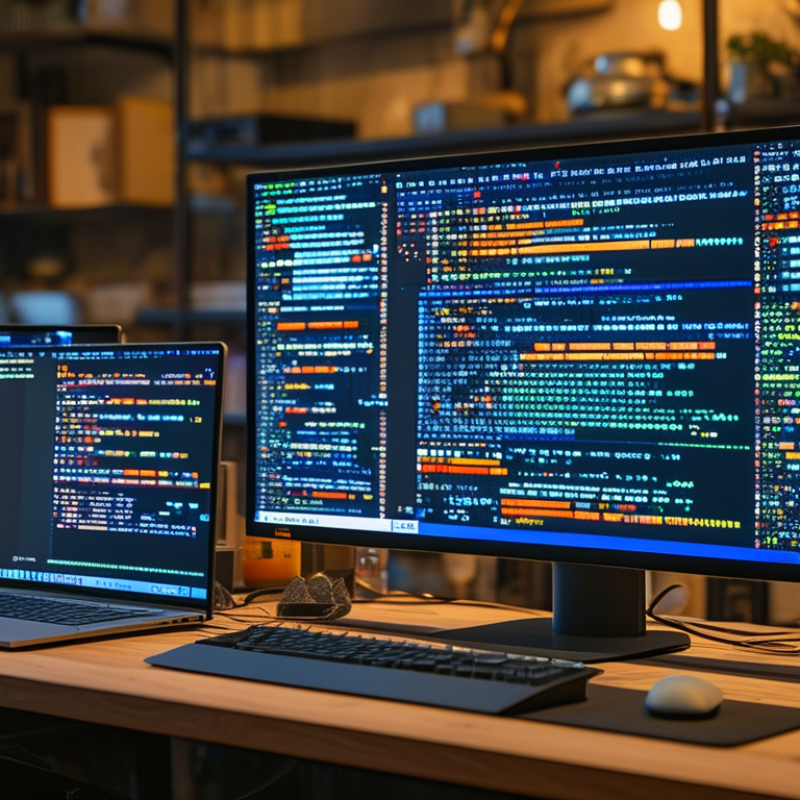
Understanding standard TV signals and LED wall displays is crucial in modern audiovisual setups. Standard TV signals can be broadcast via terrestrial, satellite, or cable systems. These signals include both analog and digital formats. Reports by the Consumer Technology Association indicate that as of 2022, about 93% of households in the U.S. receive digital signals. Digital signals provide better quality and utilize less bandwidth compared to their analog counterparts.
LED wall displays have revolutionized how information is presented. They can achieve high brightness and vivid colors, making them suitable for various environments. According to a study by the International Display Consortium, the market for LED displays was expected to reach $30 billion by 2025, mainly driven by demand in advertising and live events. Yet, transitioning from standard TV signals to an LED wall can be challenging. Signal degradation is common if not handled properly. Many setups require specific converters or processing tools to ensure seamless integration.
There can be setbacks in achieving optimal display quality. The interactivity and customization opportunities of LED walls may not be fully utilized if the standard signal is not properly converted. Regular maintenance and updates are also essential as technology evolves. Addressing these needs can enhance the overall viewing experience and ensure consistent performance. Understanding these complexities is key for any organization looking to invest in this technology.
Converting standard TV signals to LED wall displays requires specific equipment to ensure high-quality output. A digital video processor is essential for handling formats and resolution adjustments. This device can optimize signals, making them suitable for large screens. Studies show that a processor can improve image clarity by up to 30%, ensuring a crisp viewing experience.
Another critical component is a video signal converter. This device translates differing formats, enabling compatibility between standard sources and LED technology. According to industry reports, the market for video signal converters is expected to grow by 15% annually, highlighting the increasing demand for conversion solutions in various settings.
Cables and connectors also play a vital role. High-quality HDMI or SDI cables minimize signal loss. It’s worth noting that using inferior cables can lead to degradation in image quality. Settings must be adjusted, and not every setup will provide the same results. Testing and tweaking are often required to achieve the best outcome, reflecting the need for expertise in the field.
To connect a standard TV signal to an LED wall display, follow these steps.
Begin by identifying the signal source. This may include cable boxes, satellite receivers, or even streaming devices. Research shows that over 80% of events use a secondary video source for content display. Choose a high-quality HDMI or VGA cable for optimal clarity. Connect the cable from the source to the LED wall's input port.
Tips: Use a signal booster if your cable runs longer than 50 feet. This minimizes signal loss, ensuring better picture quality.
Once connected, configure the LED wall display settings. Adjust the resolution to match the source signal. Many LED walls can support high-definition formats, which improves viewer experience. Statistics indicate that high-definition content increases viewer retention by 25%.
Don’t forget to test the setup before your event. Small adjustments may enhance the viewing experience. Keep in mind that not all LED walls handle various formats equally. Select the appropriate settings for seamless integration.
Tips: Have backup cables on hand. This can save time during setup in case of technical difficulties.
| Signal Source | Connection Type | Resolution Supported | Additional Equipment Needed |
|---|---|---|---|
| Cable TV | HDMI | 1920 x 1080 | HDMI Splitter |
| Satellite TV | Component | 1920 x 1080 | Component to HDMI Converter |
| Digital Antenna | Coaxial | 1280 x 720 | Antenna to HDMI Adapter |
| Blu-ray Player | HDMI | 1920 x 1080 | None |
| Streaming Device | HDMI | 3840 x 2160 | None |
To achieve optimal LED wall display performance from a standard TV signal, meticulous configuration of settings is essential. According to the Display Industry Association, improper settings can reduce image clarity by up to 40%. This highlights the importance of tweaking parameters like brightness, contrast, and color balance. Each LED wall display has unique characteristics that require careful adjustment to suit the viewing environment.
Start by calibrating brightness levels. High brightness is crucial in bright settings, but excessive brightness can cause glare. Aim for a balanced setting that ensures visibility without straining viewers' eyes. Color calibration also plays a significant role. Keep the color temperature consistent to prevent color distortion across the display. This consistency can lead to up to 30% improved viewer engagement, as reported by recent audience studies.
Tips: Test your display settings in varying lighting conditions. Regular adjustments may be necessary to maintain performance. Remember to regularly check for software updates that can enhance display capabilities. Monitoring the LED wall for any pixel issues is also vital; even minor defects can distract from the overall presentation.
Converting a standard TV signal to an LED wall display can bring challenges. Many users encounter common issues during this process. One frequent hurdle is signal compatibility. Not all LED displays support every signal type. It's important to check your LED wall’s specifications. Compatibility can significantly impact image quality.
Another common issue is poor resolution. Users might expect high-quality visuals, but if the source signal is weak, the result can be disappointing. Using a better source can improve clarity. Consider upgrading cables or using signal boosters to enhance the transmission.
Color distortion is also a concern. This can happen when converting signals. Ensuring your LED display is correctly calibrated is crucial. Misconfiguration can lead to inaccurate color representation. Regularly testing configurations can help identify issues early. Adjusting settings might not be straightforward. It takes some trial and error to get it right.
: Essential equipment includes a digital video processor and a video signal converter.
It optimizes signals for large screens, improving image clarity by up to 30%.
They translate differing formats for compatibility between sources and LED technology.
High-quality HDMI or SDI cables minimize signal loss, while inferior cables can degrade image quality.
Improper settings can reduce image clarity by up to 40%, so careful calibration is essential.
Begin with calibrating brightness and color settings to suit the viewing environment.
High brightness is vital in bright settings but can cause glare. Aim for balance.
Consistent color temperature prevents distortion and can improve viewer engagement by 30%.
Regular adjustments may be necessary, especially in varying lighting conditions.
Regularly check for software updates and monitor the display for pixel issues, as even minor defects can distract viewers.
The article "How to Convert Standard TV Signal to LED Wall Display?" provides a comprehensive guide on effectively transforming standard TV signals for use with LED wall displays. It begins by explaining the fundamentals of standard TV signals and LED wall technologies, followed by a detailed breakdown of the necessary equipment required for this conversion process.
The piece outlines a step-by-step guide for connecting the TV signal source to the LED wall, ensuring that readers understand each phase of the setup. Furthermore, it discusses optimal configuration settings to enhance the performance of the LED display. Lastly, the article addresses common issues that may arise during the conversion process, offering troubleshooting tips to ensure a seamless transition from standard TV broadcasts to stunning LED wall presentations.

Sync LED